Research
Working on a single slide
Check a slide's reference, add one, bring it back to the template, extract a figure from a PDF: the unit task that feeds every presentation.
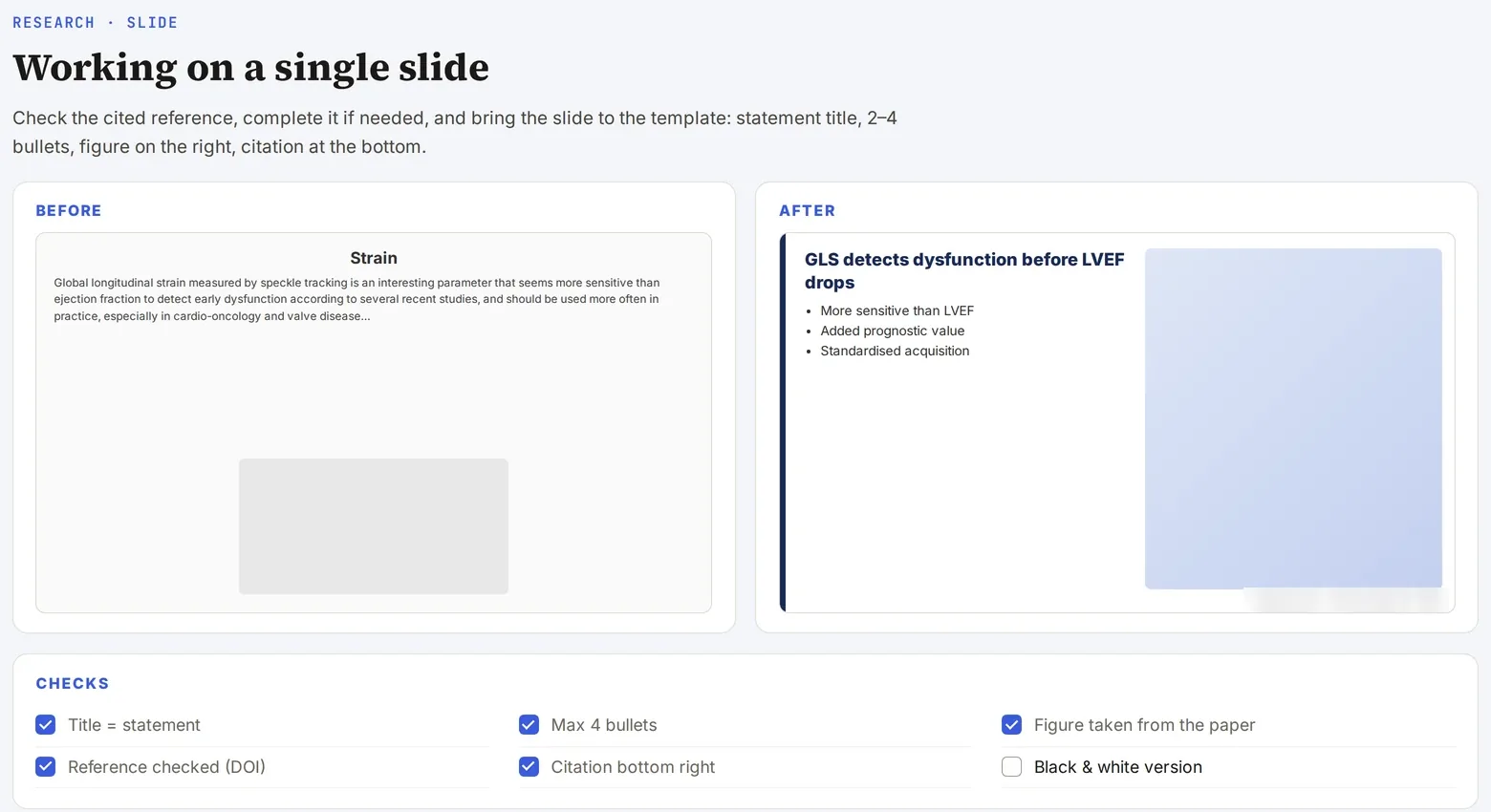
Screenshot of a real tool · fictitious data, names blurred
The problem
A slide bank built up over years contains approximate references, inconsistent templates and poor-quality figures. There is no need to redo a whole deck: what you need is to be able to rework each slide quickly.
Step-by-step method
- Check mode: Claude reads the cited reference, finds it in PubMed (authors, journal, year, DOI) and flags any discrepancy, without touching the layout.
- Sourcing mode: for an unsourced statement, Claude proposes one to three recent references, which you choose from.
- Template mode: bring the slide back to your personal template (background, font, position of text and figure) without changing the content.
- Figure extraction: from the PDF of an article or guideline, extract the figure in high resolution, with its caption and source.
- Return it to the bank: the corrected slide joins the bank, indexed by topic.
Deliverable
A sourced slide, in your template, ready to be reused.
Safeguards
Respect copyright: a publisher’s figure cannot be reproduced freely; rebuild it or cite it instead. No invented references.
Starter prompt
Here is a slide. Check the cited reference in PubMed, tell me whether it really supports the statement, and propose a more recent reference if one exists. Do not change the layout.